


 Glasses, Tableware, Cutlery



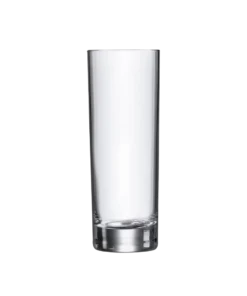
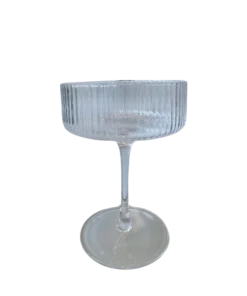

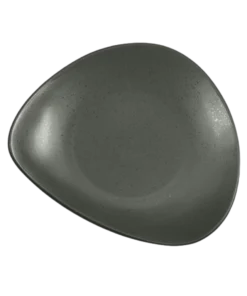
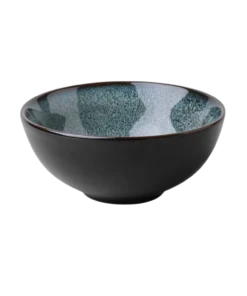

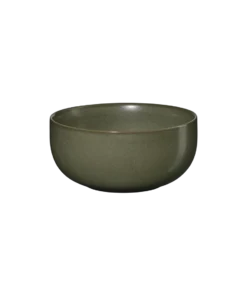





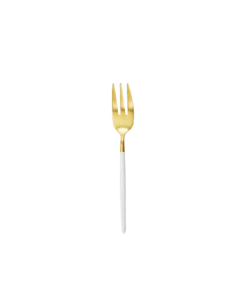
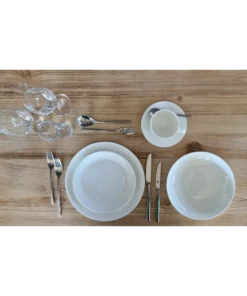
 Catering equipment
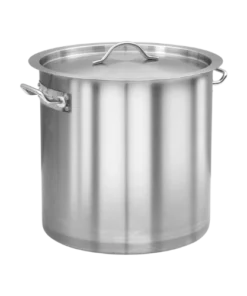


 Furniture
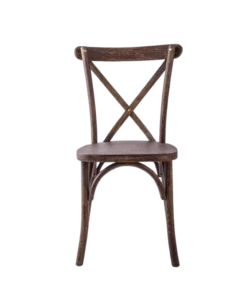
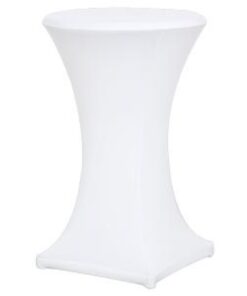
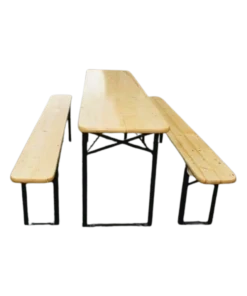
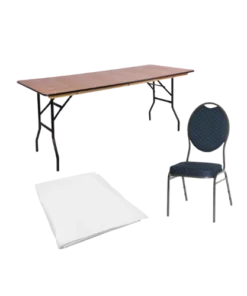
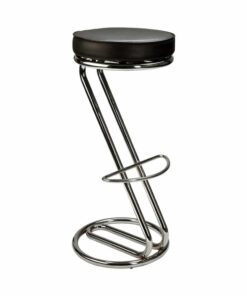
 Decoration
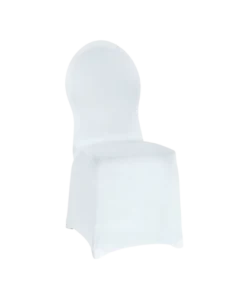
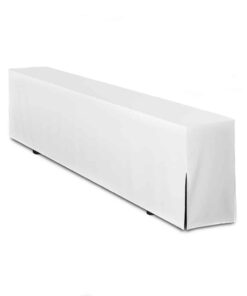
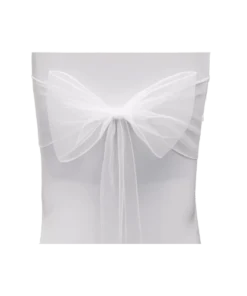


 Table linen



Rental request via Excel or CSV
Request tableware, glasses and furniture for your event straight from your own list: fill it in once, upload, done.
- Ideal for caterers and recurring events
- Excel (.xlsx, .xls) or CSV
- Unrecognised rows are listed, so nothing gets lost silently
1. Your request in 5 steps
- Log inUnder My Account → Rental Request Templates. The customer account is free of charge.
- Download a templateYour own rental request template or the complete product list (A–Z or by category).
- Fill in the detailsOccasion, delivery or pickup date, return date and, for delivery, the address (date format DD.MM.YYYY).
- Enter quantitiesIn the «Quantity» column, whole numbers only. Items without a quantity are ignored.
- Upload the fileUnder «Import Excel/CSV & create rental request». The confirmation shows immediately what was imported.
You can also do it without a file: in any order template you can enter quantities directly and add everything to your quote request with «Add to quote list».
2. Use your own Excel or CSV file
You can also upload a file you created yourself, without any shop template. For the import to read it, use this structure:
- Formats: .xlsx, .xls or .csv (semicolon- or comma-separated)
- Column A = label or article number, Column B = value or product name, Column E = quantity
- Required rows (label in column A, value in column B):
Anlass Name *:,Datum Lieferung *:,Datum Retour *: - One row per item: article number in column A or exact product name in column B, quantity in column E
Example as CSV:
Anlass Name *:;Hochzeit Müller
Lieferung *:;Ja
Lieferadresse:;Musterstrasse 1, 8000 Zürich
Datum Lieferung *:;19.09.2026
Datum Retour *:;22.09.2026
1257;;;;2
;Festbank Garnitur / Bierzeltgarnitur 80cm;;;6
1039;Weissweinglas;;;48
Tip from the founder
Do you often request similar quantities? Create a rental request template with your standard items once. For your next event, you only need to enter the quantities.
Frequently asked questions
Do I need a customer account for the Excel import?
Yes, the upload is done via «My Account → Order Templates». The account is free of charge, and your address details are automatically applied to the order.
Which file formats are supported?
Excel (.xlsx and .xls) as well as CSV. For CSV, semicolon and comma separators and common character sets are detected automatically. So you can export the file directly from Excel, Numbers or your inventory management system.
What happens if an item is not recognised?
The rental request is still created. The confirmation lists by name all rows that could not be matched to a product. You can add these items afterwards by phone or by e-mail to anfrage@catering-miete.ch.
Do I have to pay when uploading?
No. Your file creates a rental request in your customer account, which we check and confirm as usual, just like a request via the quote list.
Where can I find the article numbers?
In the complete product list, which you can download as an Excel file under «My Account → Rental Request Templates». It lists all items with number, name and rental price. Alternatively, the import also recognises the exact product name from the shop.
Questions about the import?
We are happy to help: anfrage@catering-miete.ch · 044 730 70 70

